CueMate 101
CueMate 101 is designed to help you get up-and-running with CueMate, and show you how augmented training can accelerate your progress.
Background
The material is organized into four sections:
- Essentials on the Court
- Review your Sessions
- Train with CueMate
- Advanced Training Features
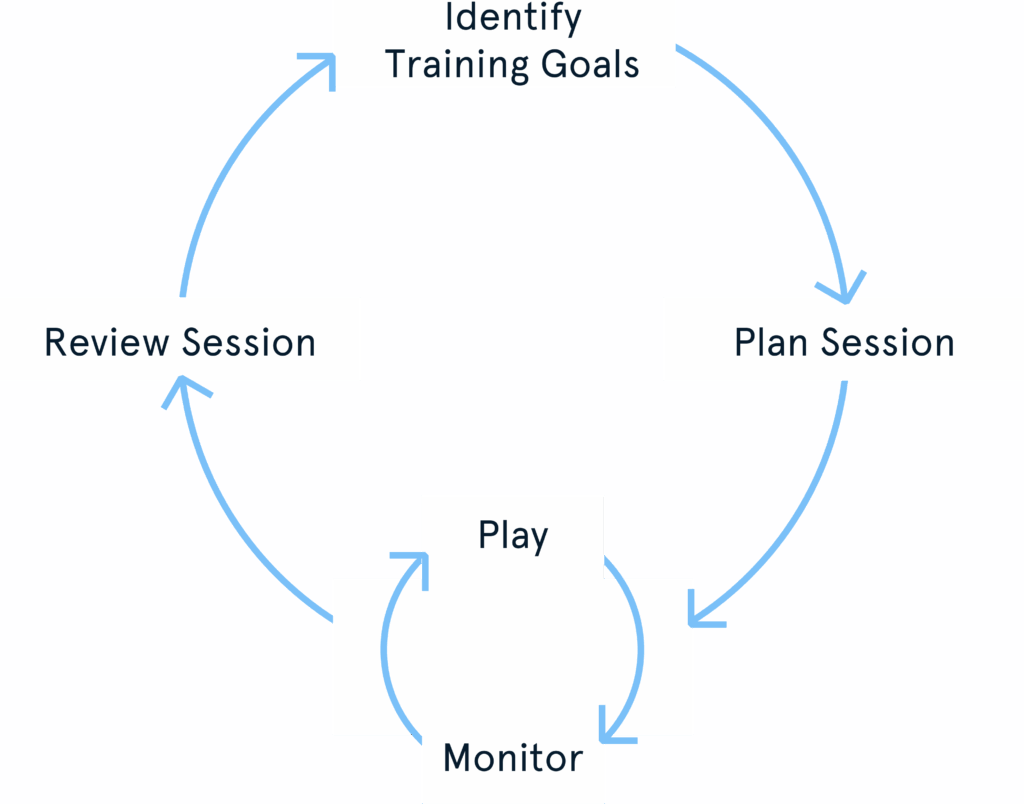

#0 Essentials on the Court
Benefits
Learn how to use and benefit from CueMate’s basic features over your first 2-3 court sessions:
- Start & stop sessions
- Tag your sessions
- Learn to read the stroke map
- Learn the basic stroke metrics
- Learn how to interpret the stroke metrics
- Get a first baseline to track your progress
Key Features (Mobile App)
- Sensor management
- Session tagging
- Play View
#1 Review your Sessions
Benefits
Learn how to interpret your data:
- Review your stroke map
- Review your session report
- Review your overall skill and activity profile
Key Features (Mobile App)
- Session Reports
- Class Reports
- Session Review
#2 Train with CueMate
Benefits
Learn how to interpret your data:
- Review your stroke map trends
- Review your stroke classes
- Review your session report
- Review your overall skill and activity profile
Key Concepts
Key Features (Mobile App)
- Player Profile
#3 Training Features
Benefits
Learn the advanced training goal features:
- Learn to use more technical metrics to optimize your strokes
- Learn how to use core training goals
- Learn the CueMate rating
- Learn how to use rating training goals for long-term training
Key Features (Mobile App)
- Custom Training Goals
- Personalized Reference Ranges
- Rating System